Selected project · ApertureDB Cloud
A cloud consolefor multimodal AI.
ApertureDB Cloud is where engineers create a database, pick ready-made AI workflows and keep an eye on usage and billing. I designed the console end to end: sign-up, the dashboard, the workflow hub and details, instances and billing, on one UI kit.
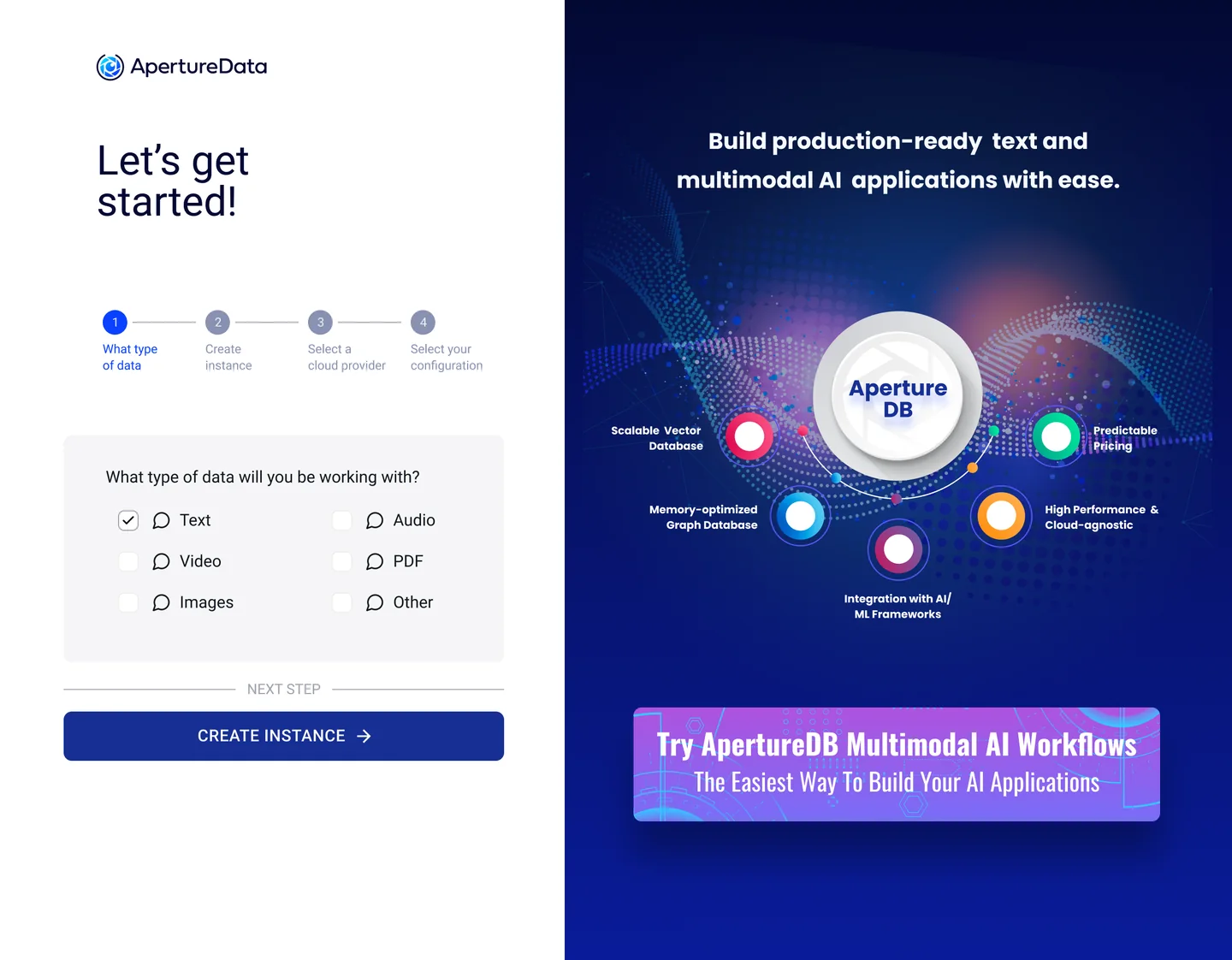
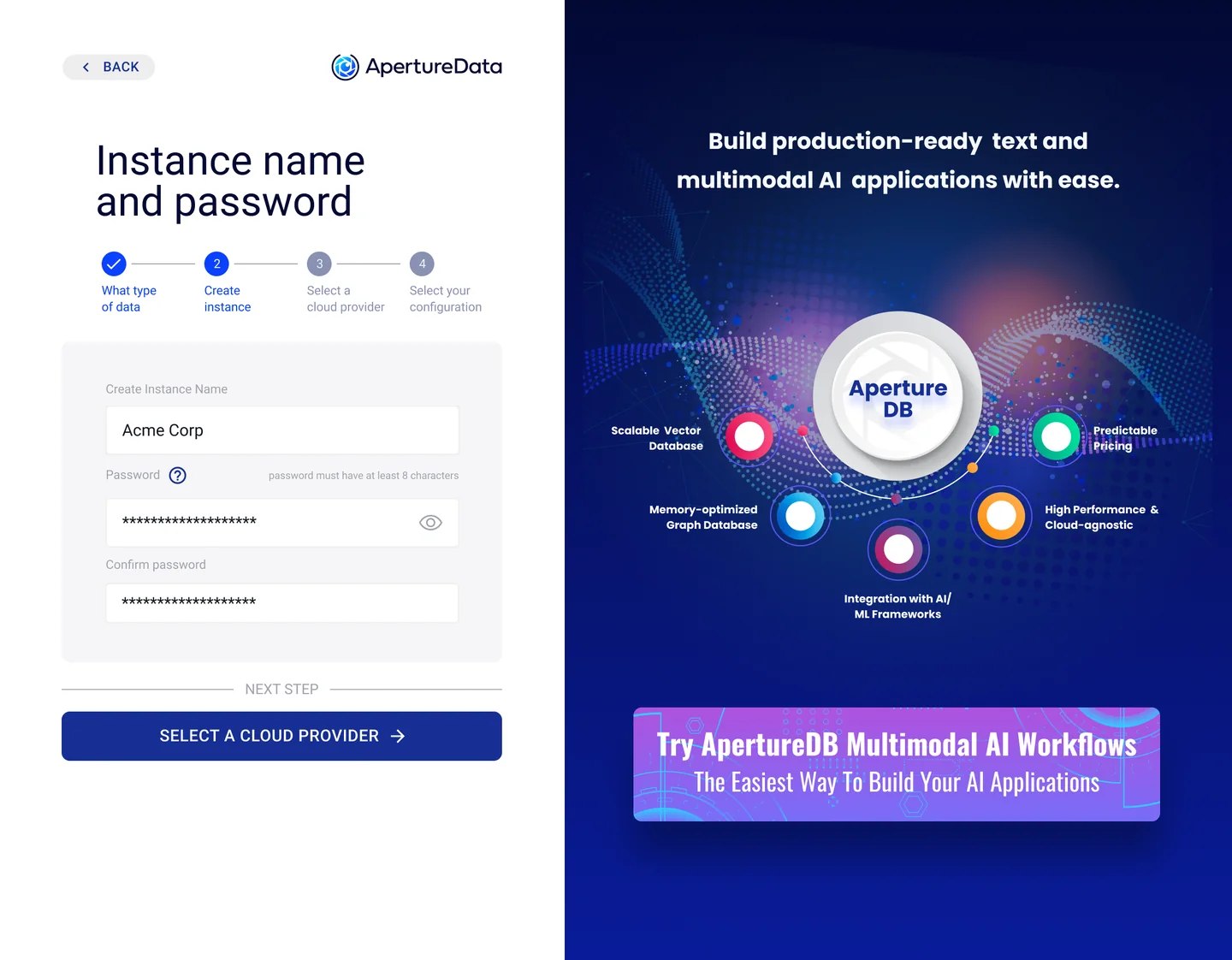
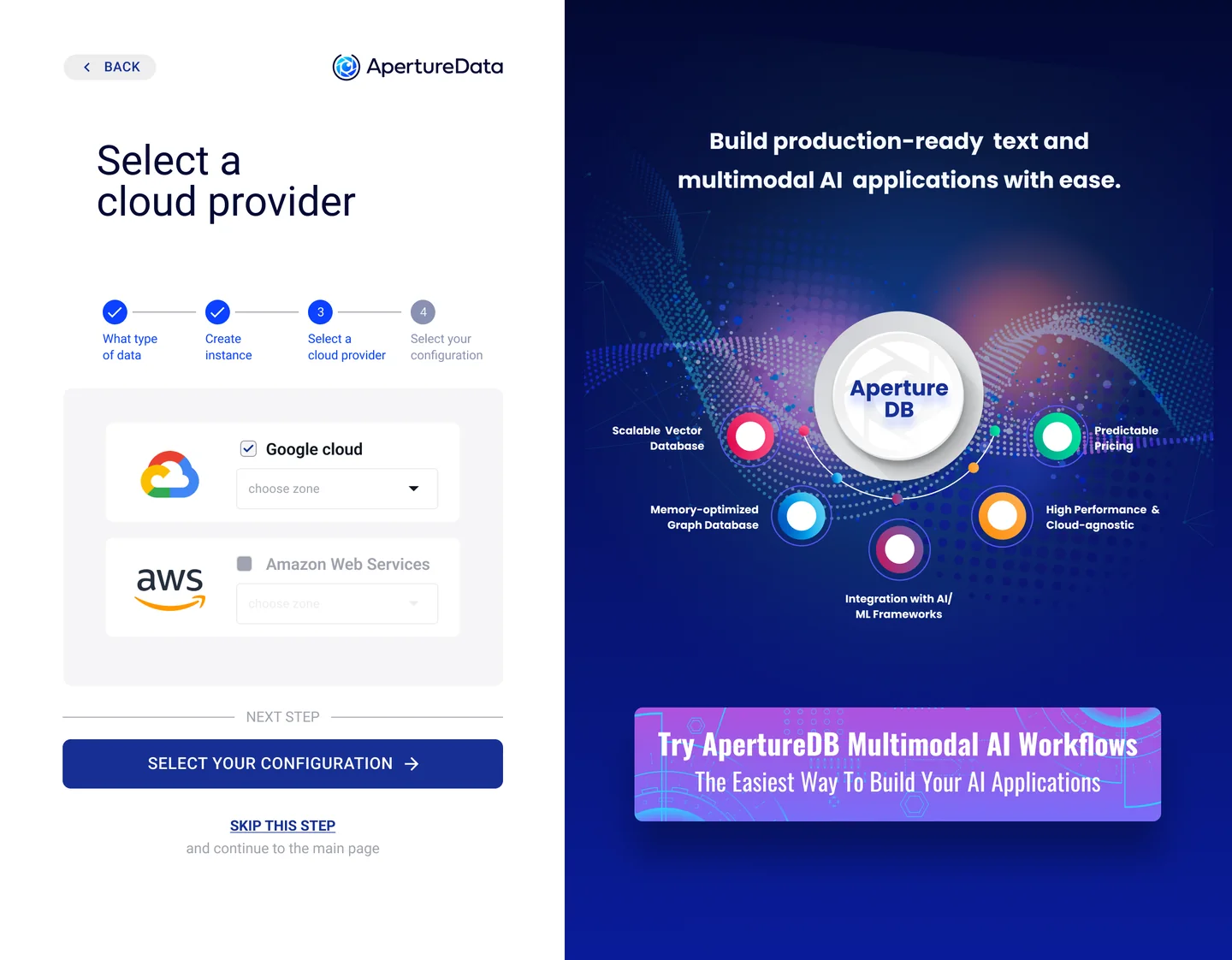
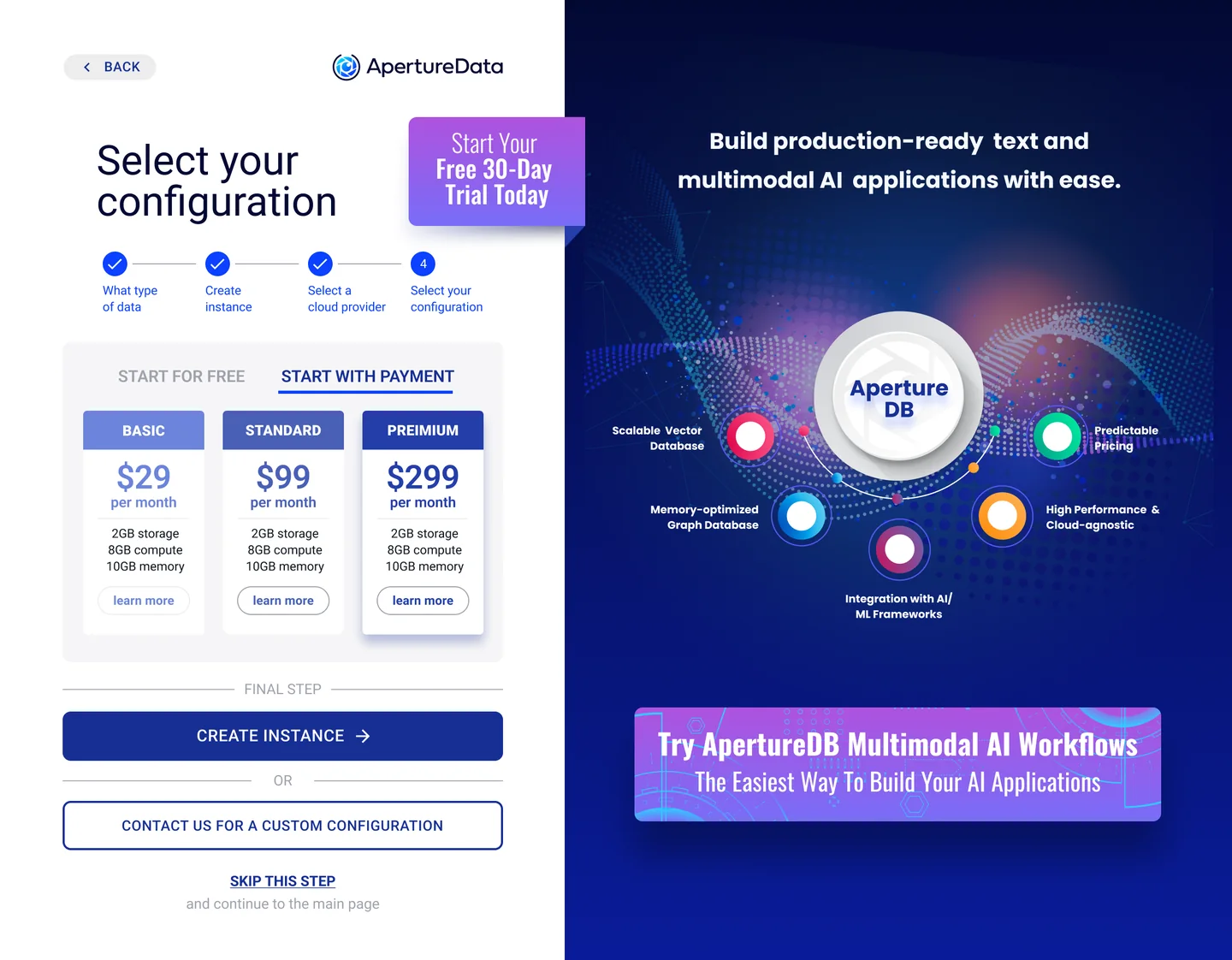
Where it started
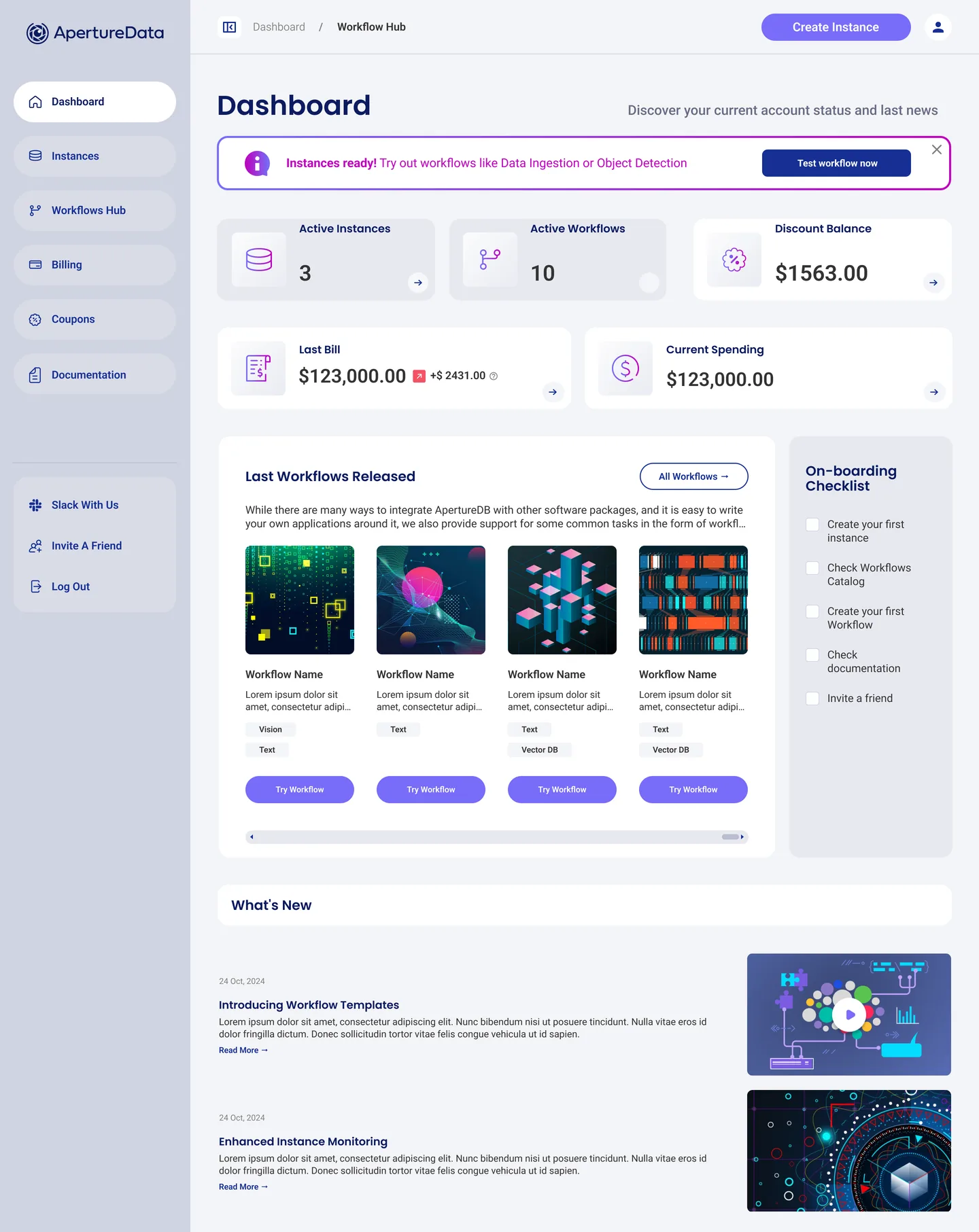
From “request a trial” to self-serve
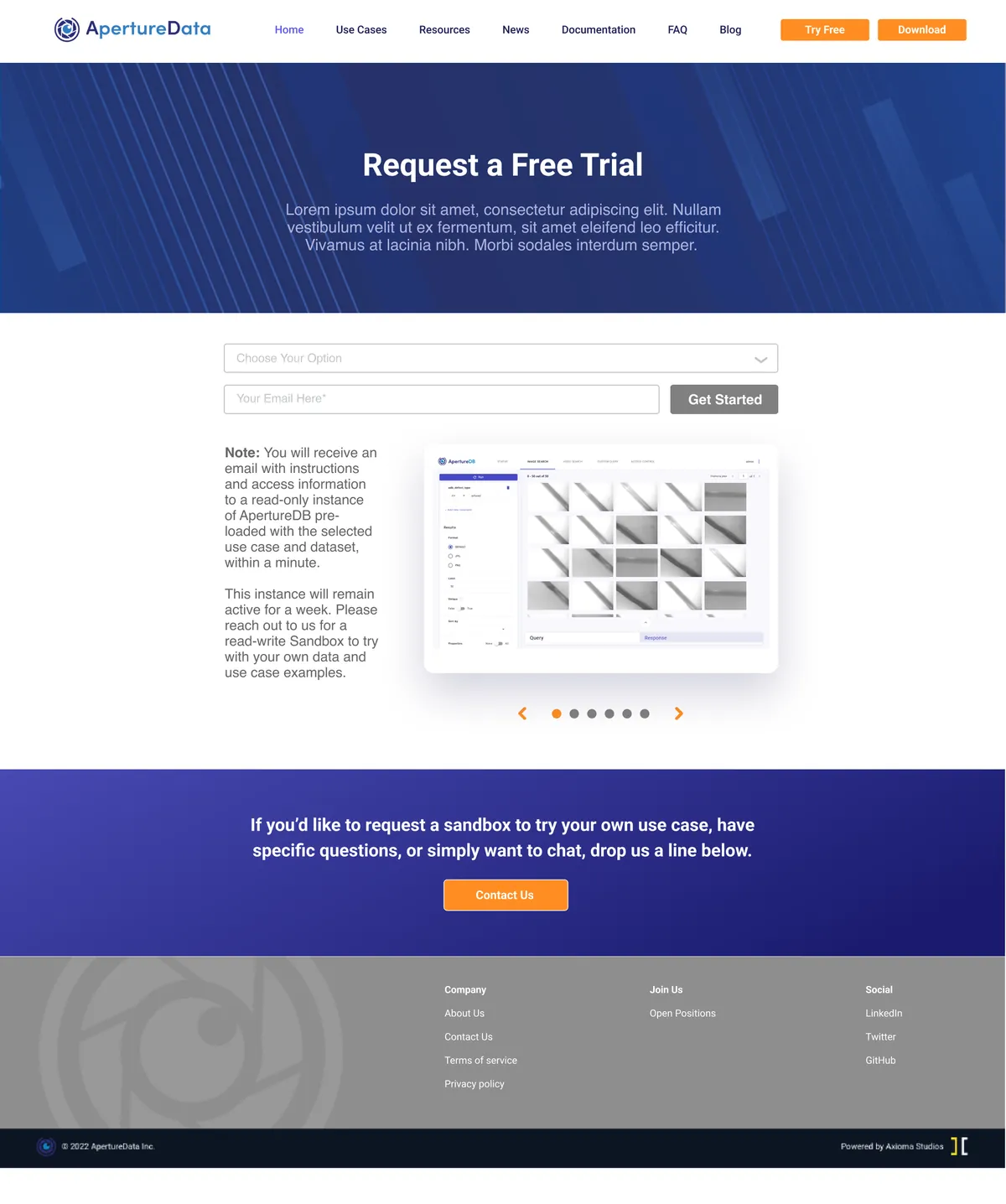
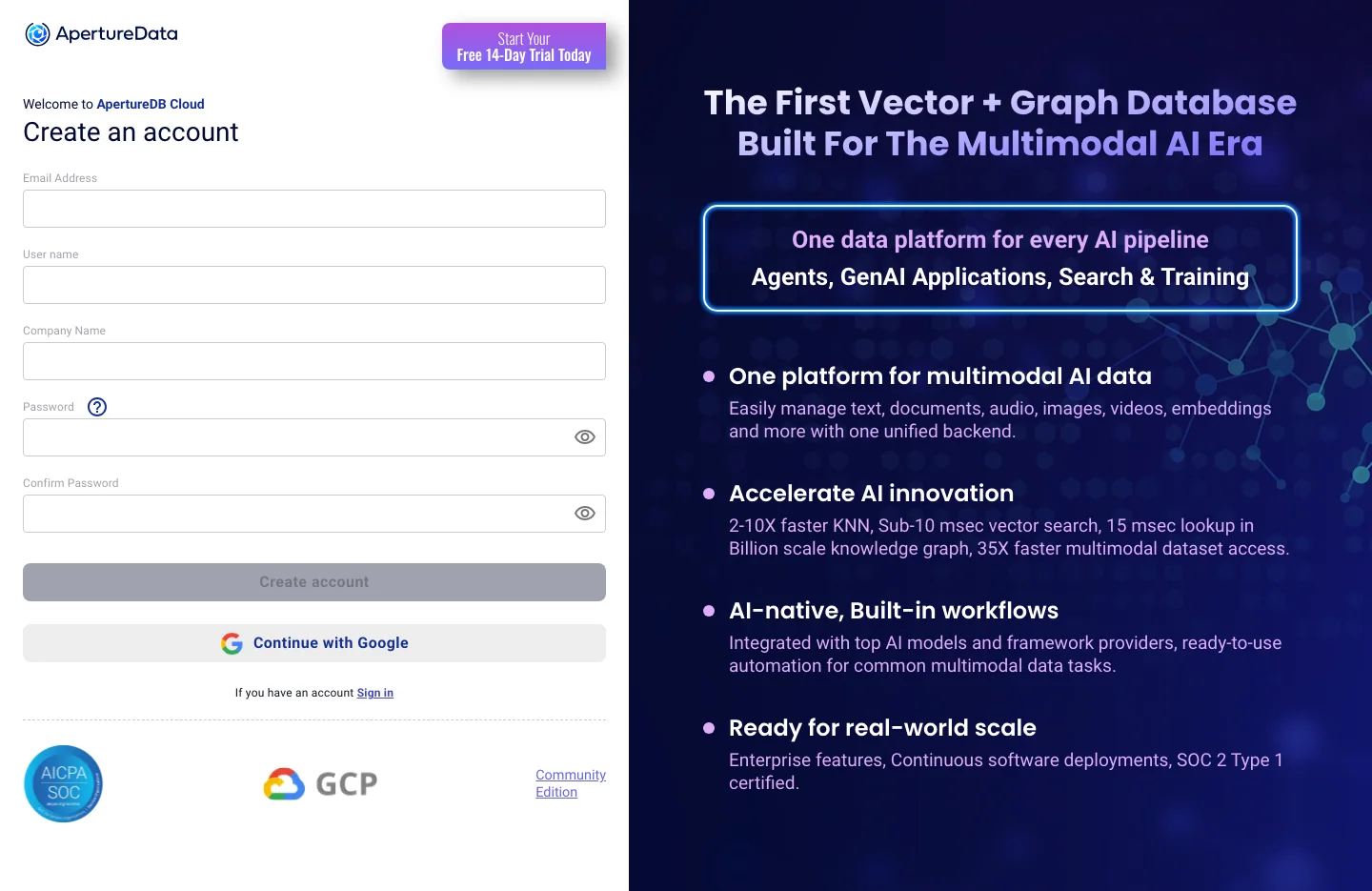
The old site asked for an e-mail and promised a call. Now an engineer signs up with e-mail or Google, sees the product promise beside the form, and lands on a dashboard with a database already running.
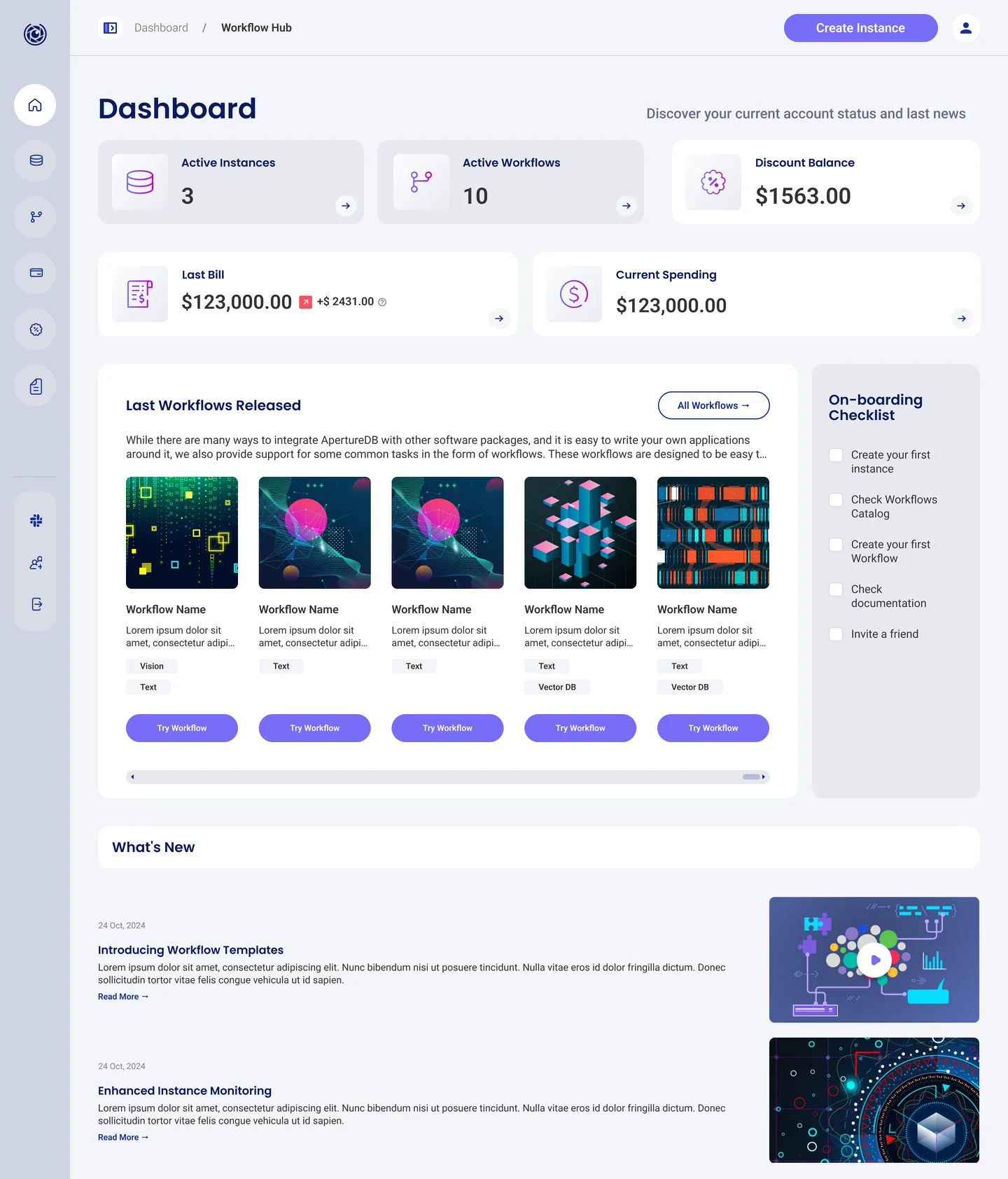
Dashboard
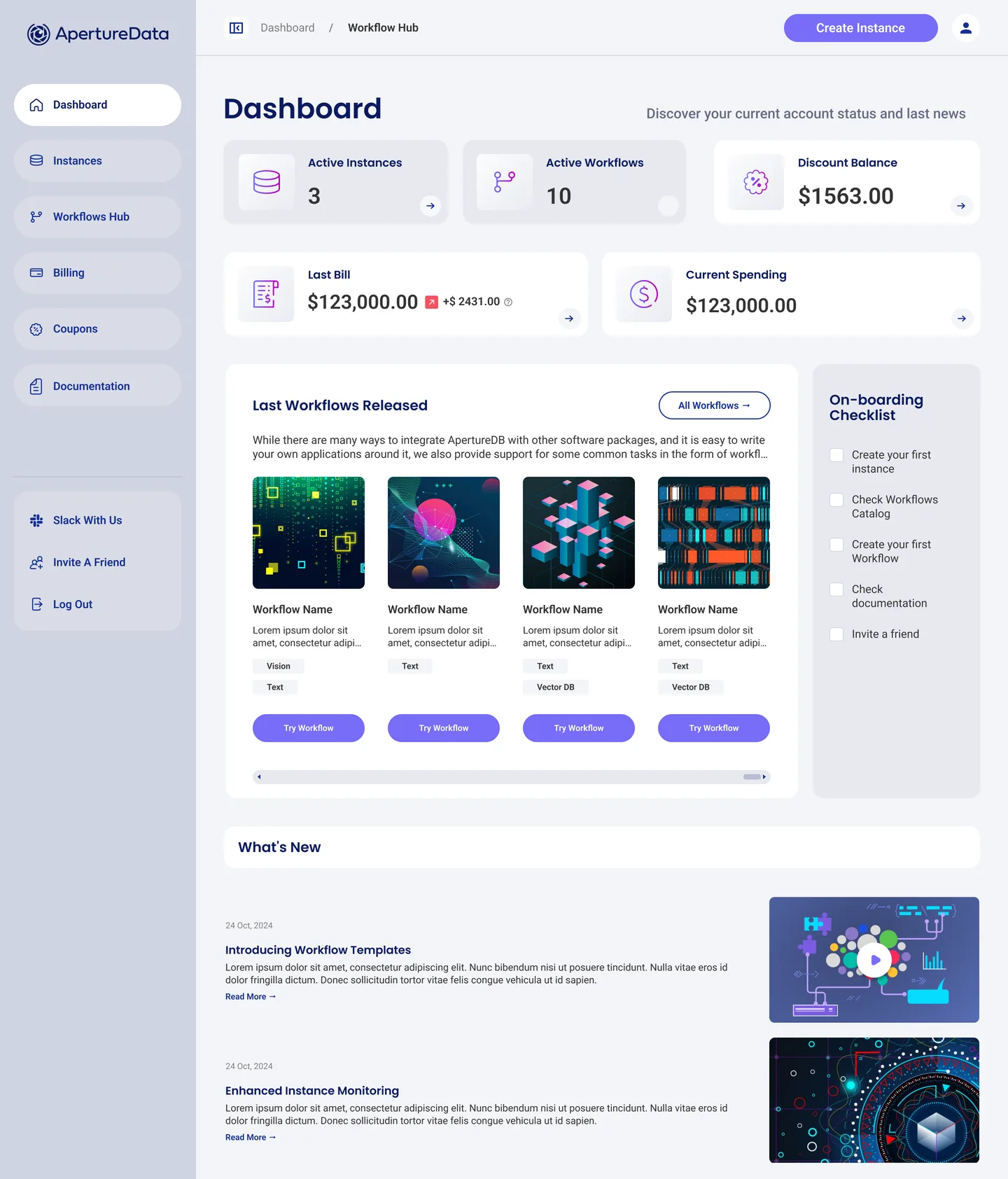
One screen that answers “what’s going on?”
Usage, money, new workflows and the next step, in the order a returning engineer looks for them.
Workflows
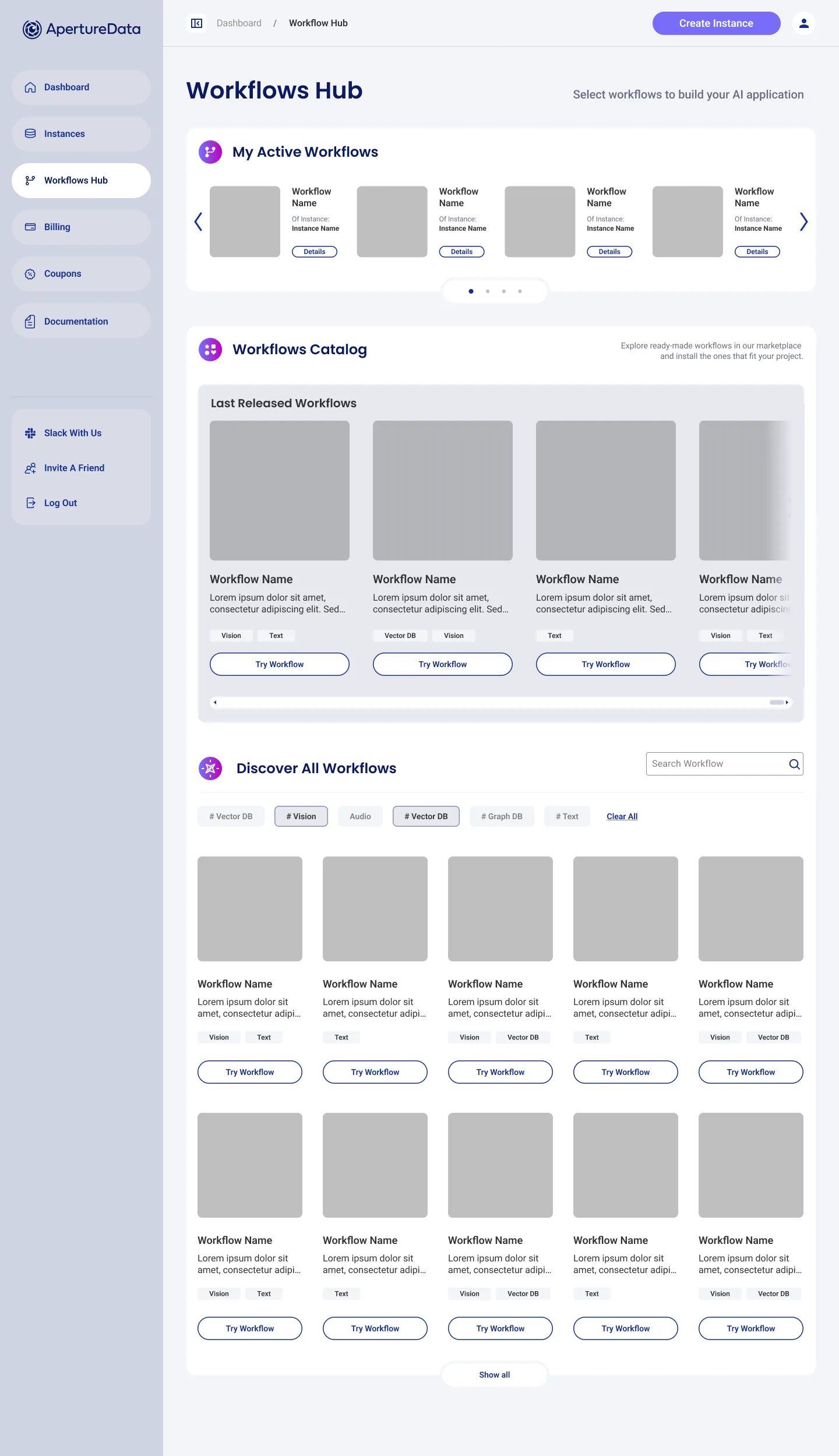
From catalogue to running in one place
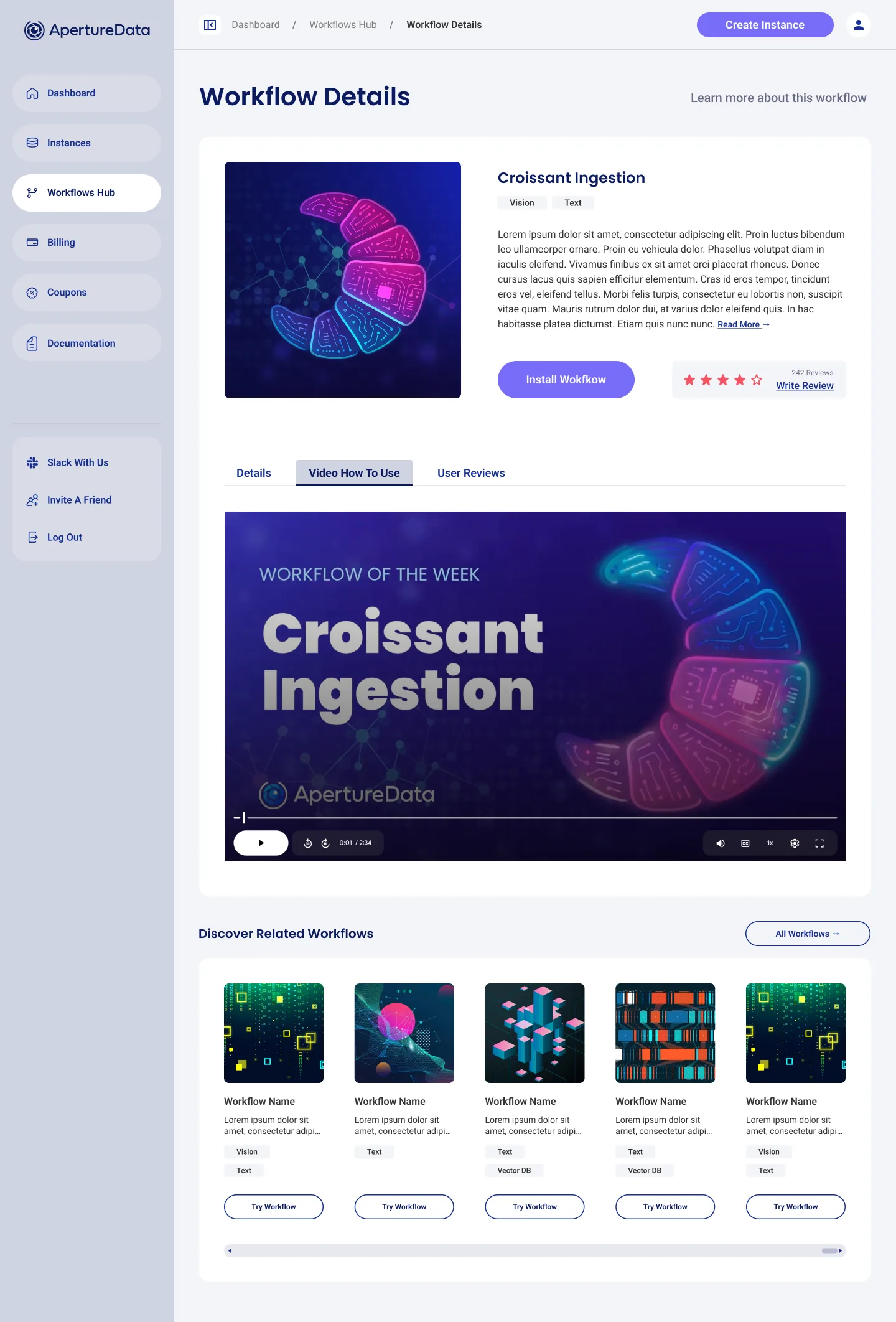
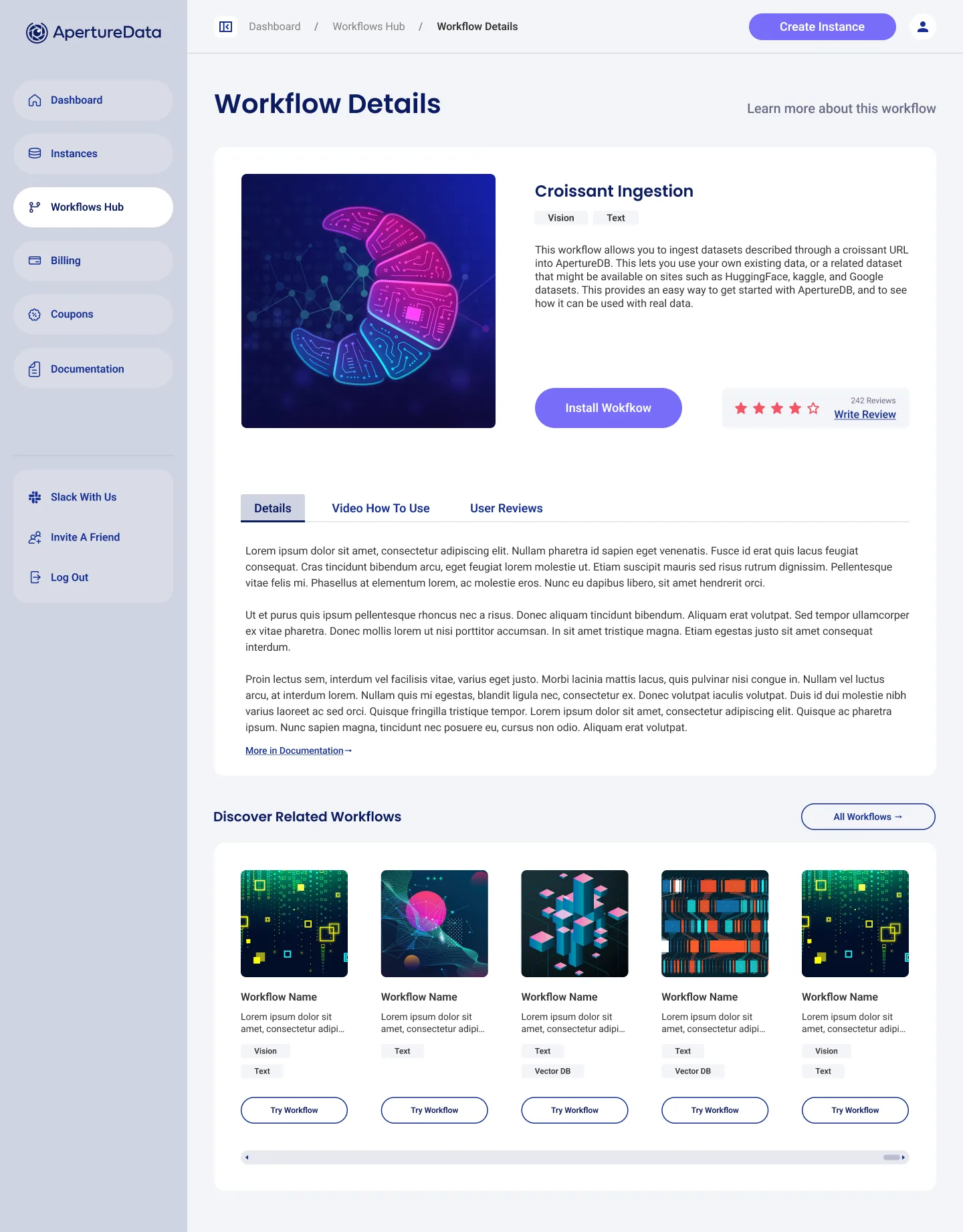
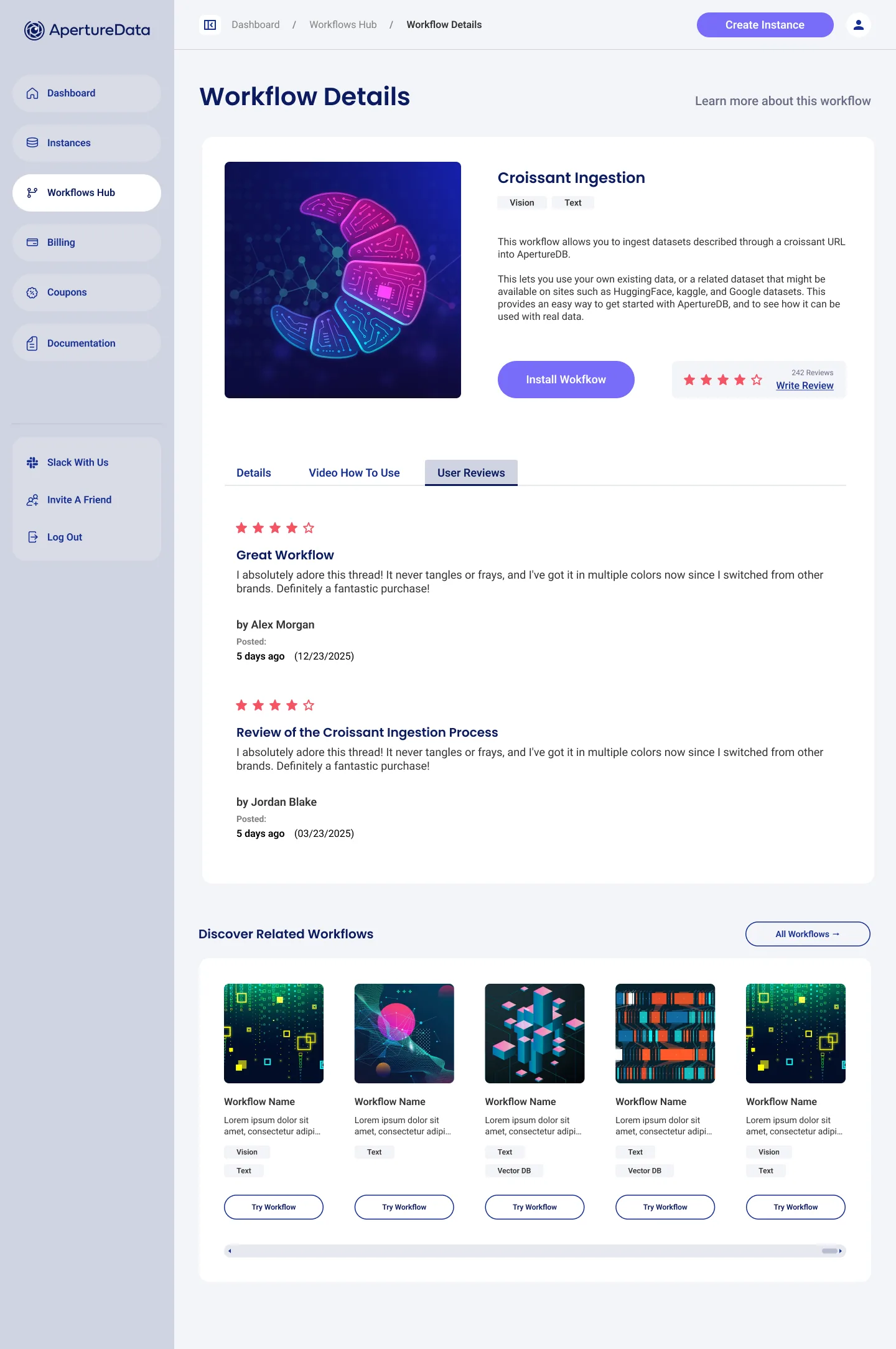
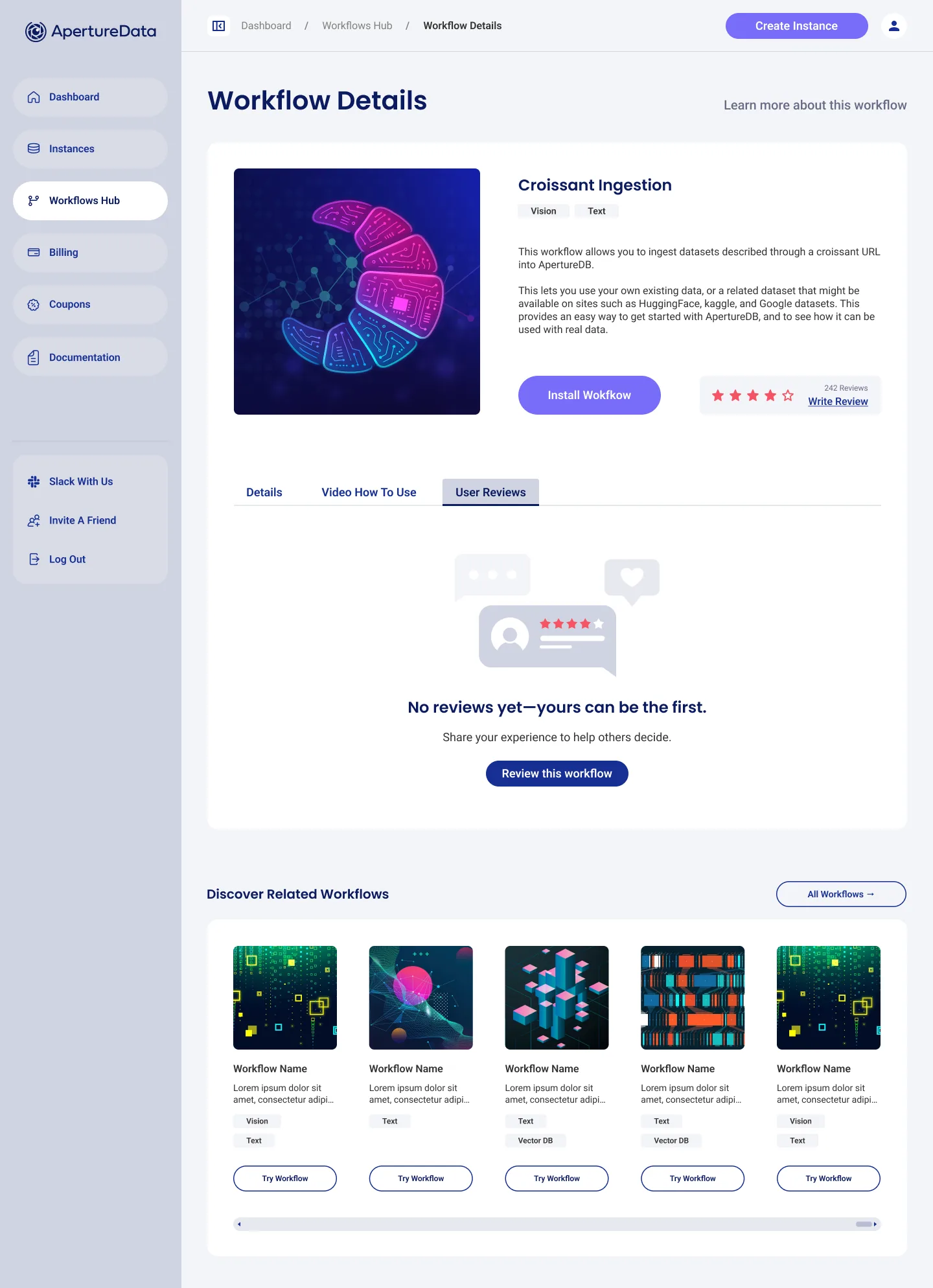
The Workflows Hub groups what you run, what is new and everything else, with filters by data type. Each workflow gets a page with a short video, real documentation and reviews from other teams.
Billing
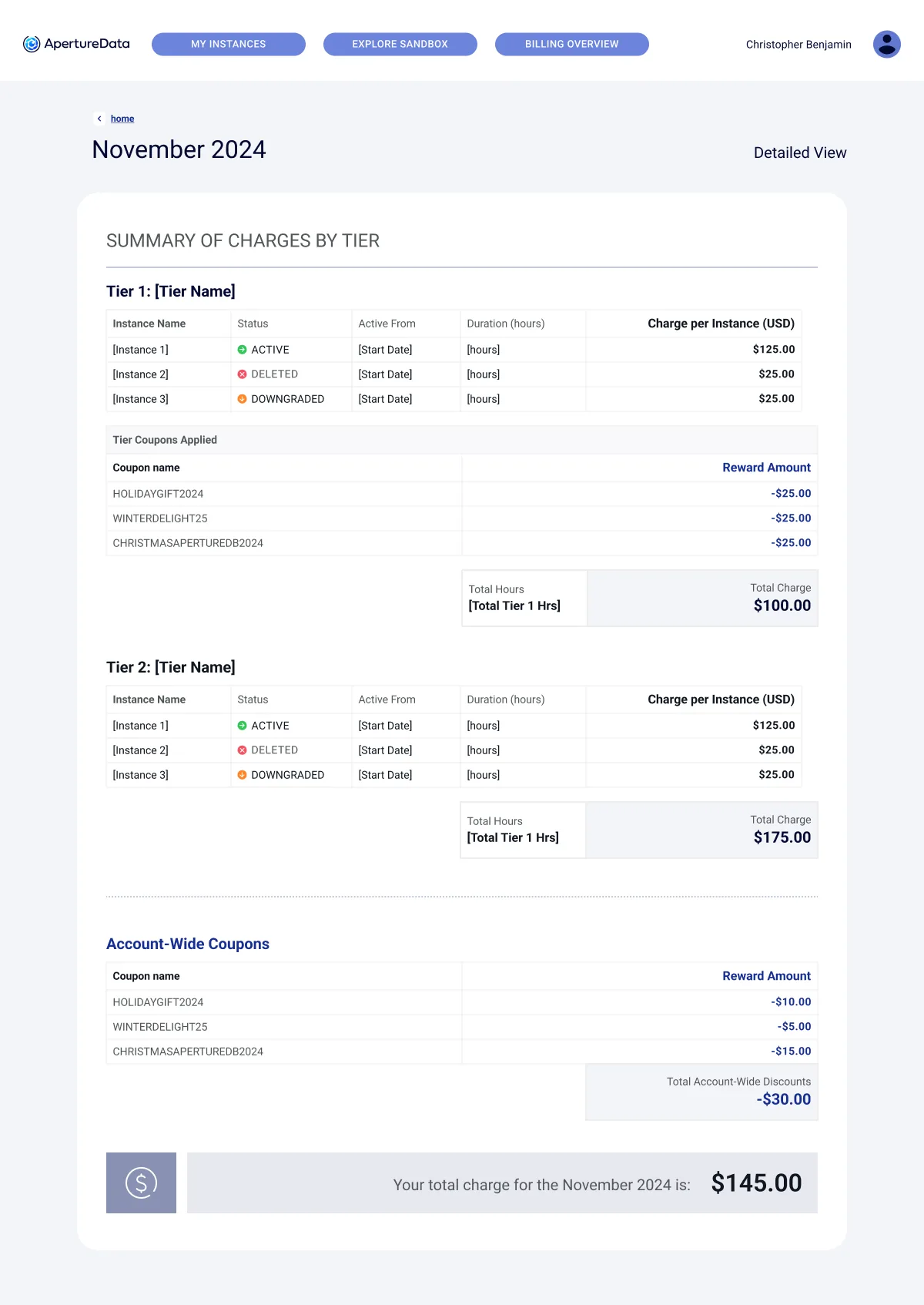
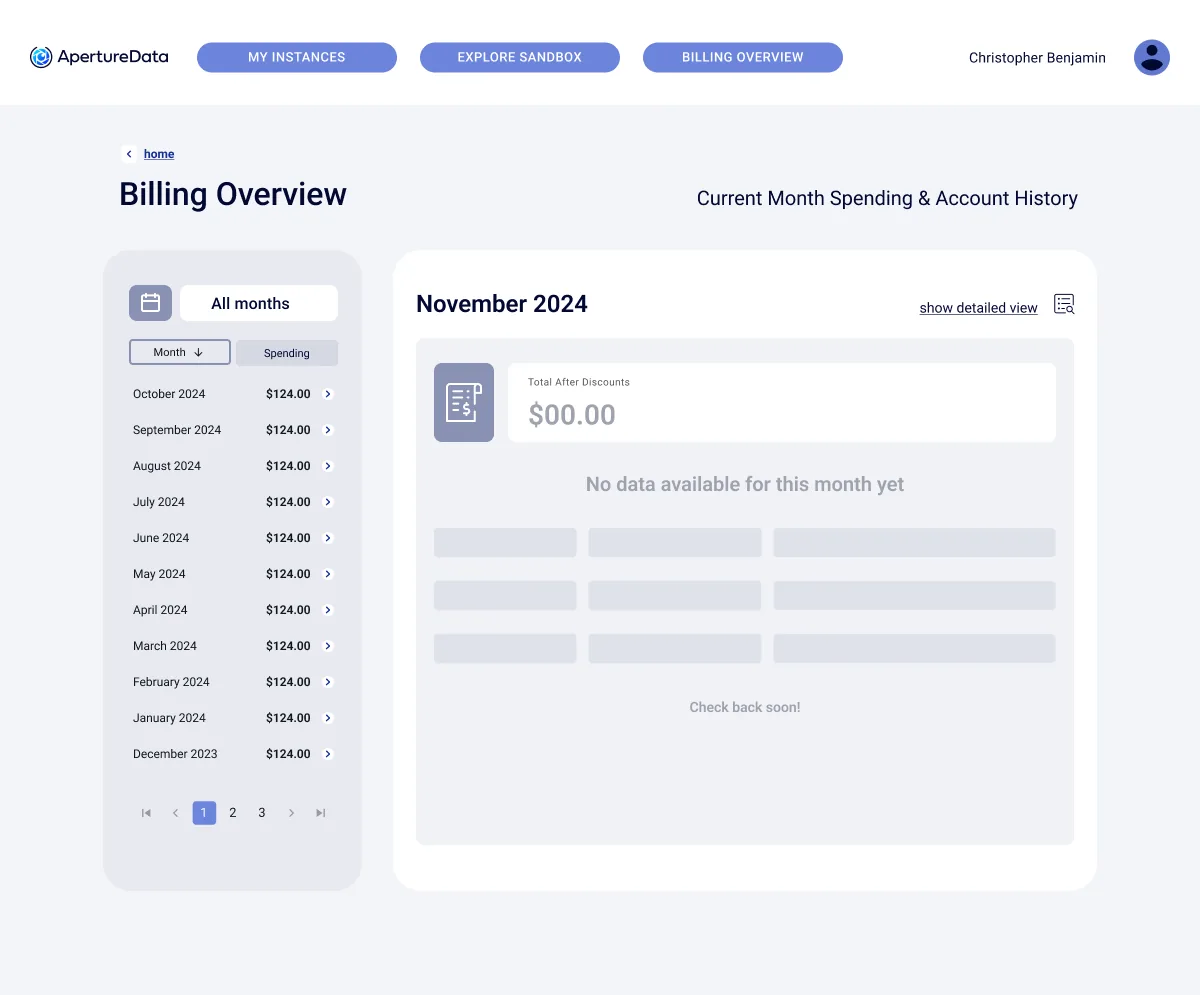
Spending you can read
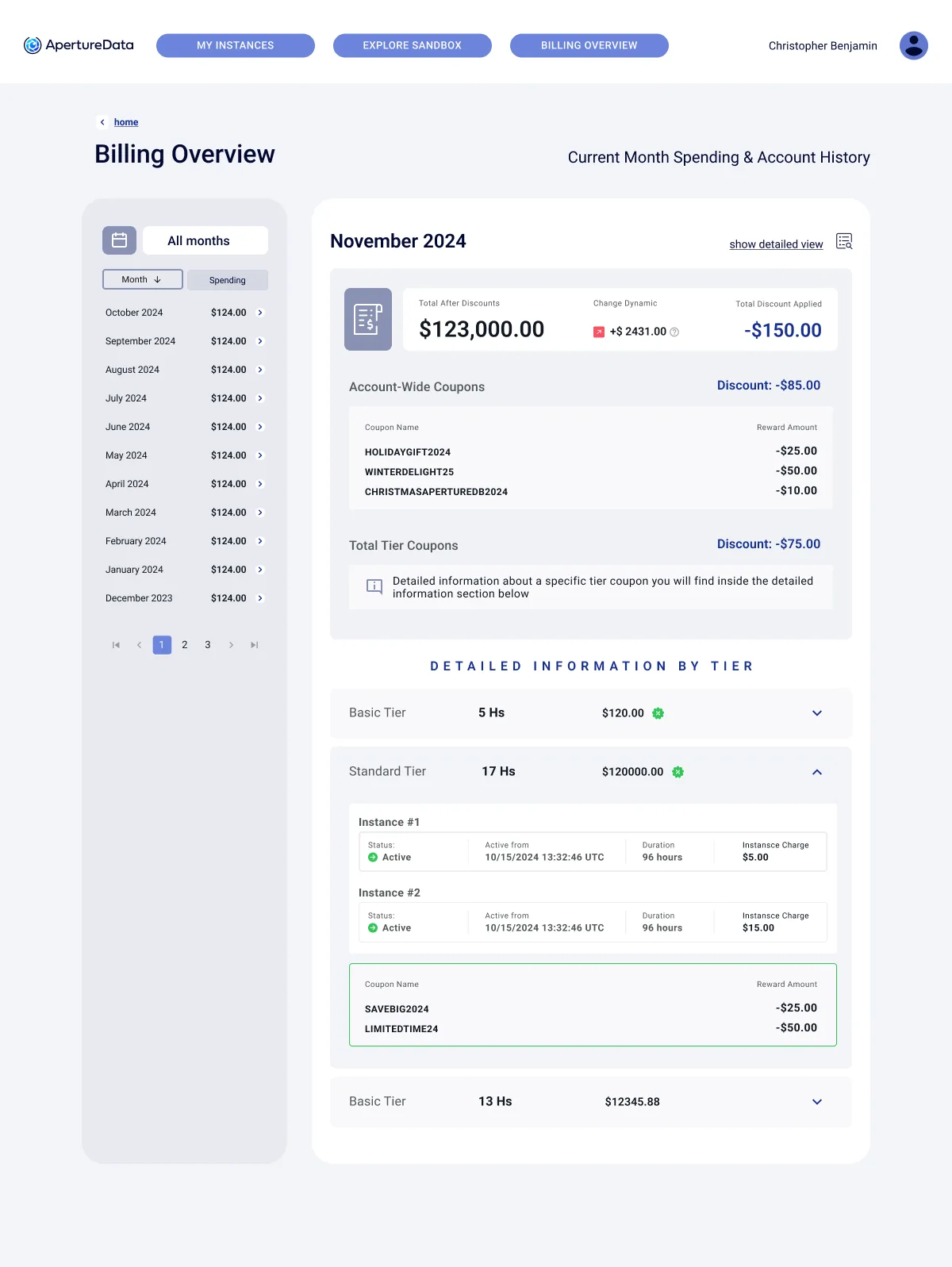
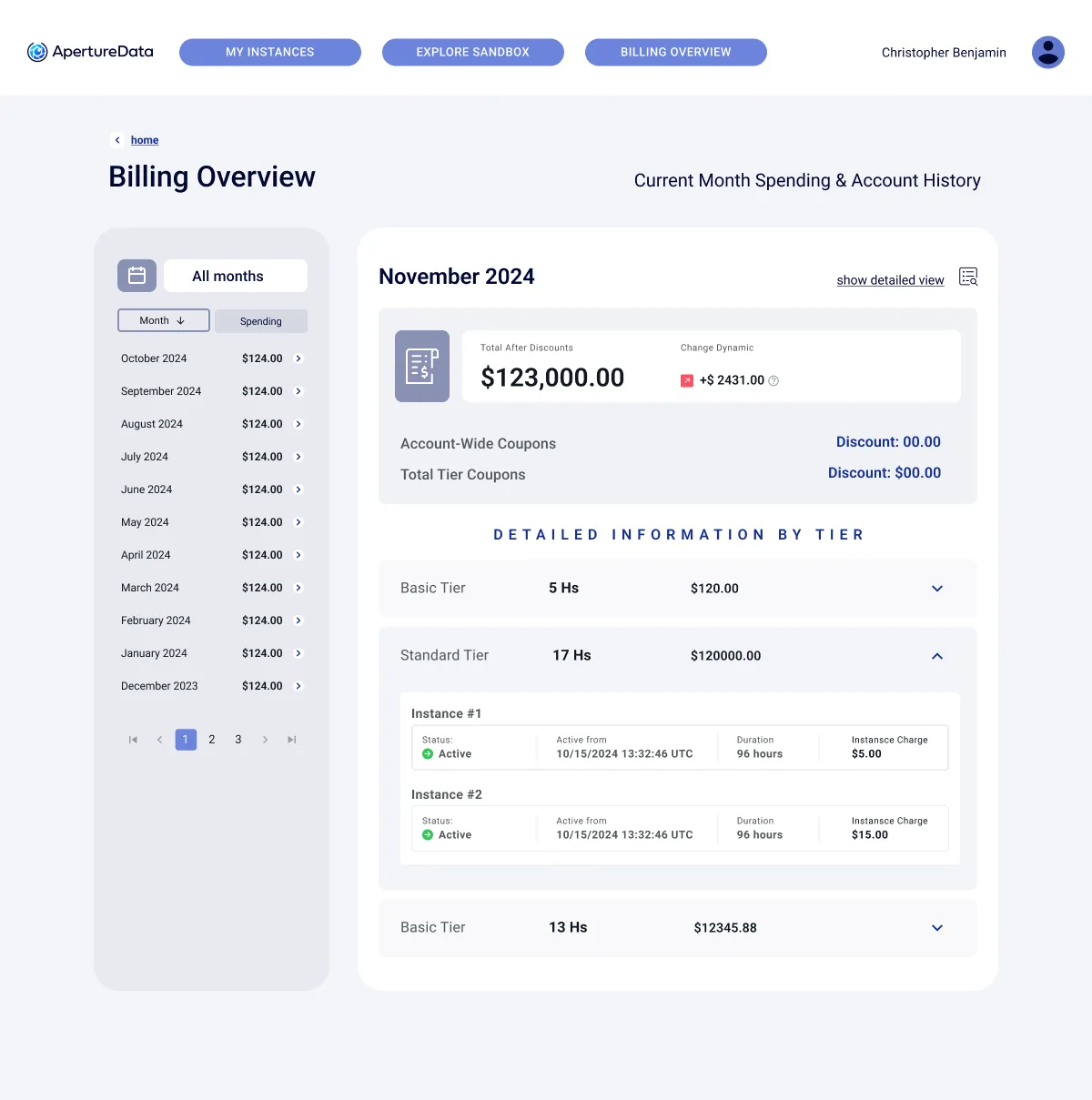
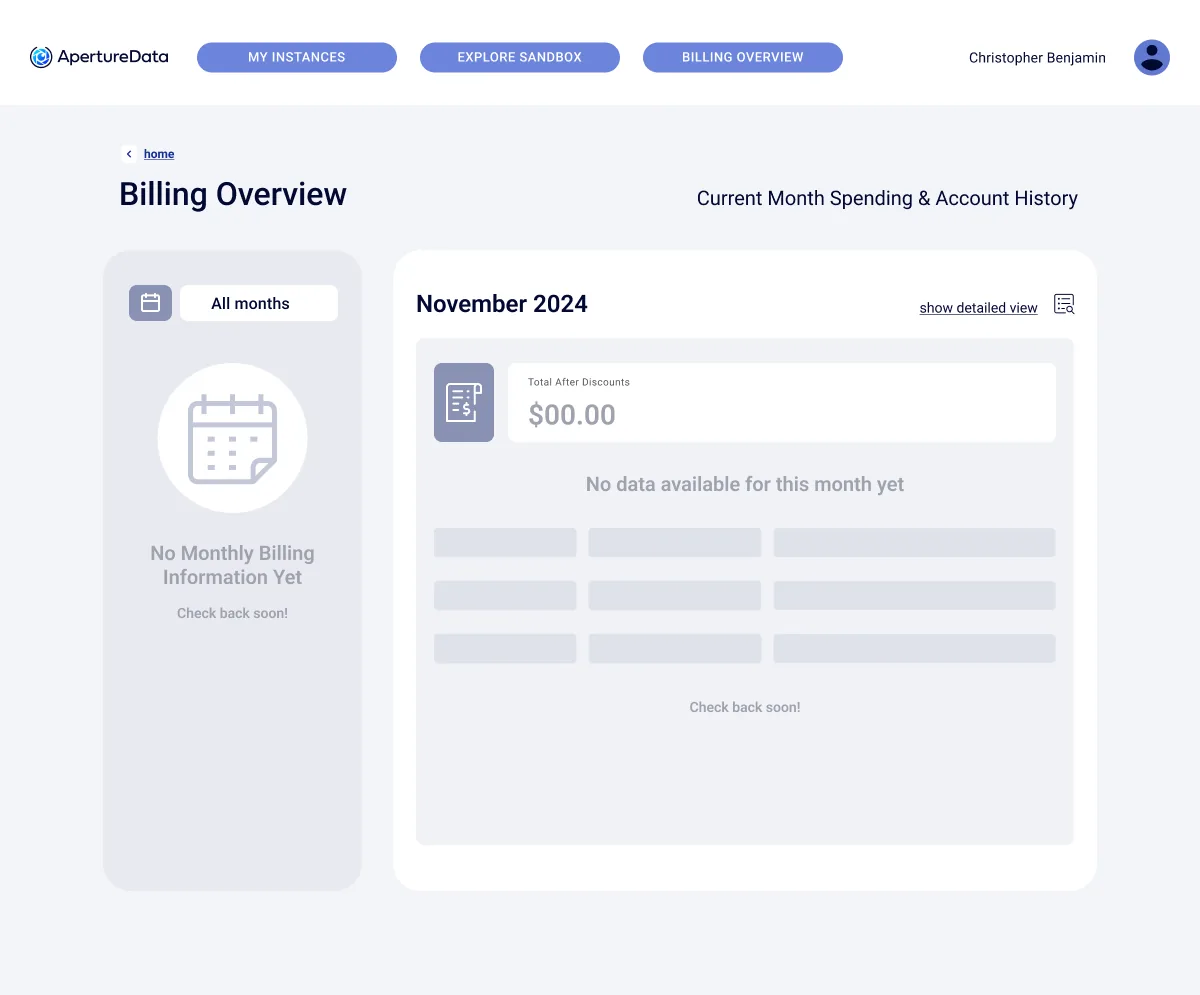
Month by month, then tier by tier, then instance by instance. Coupons show where they were applied, and an empty month says so instead of showing zeros. (First release, before the console moved to the sidebar layout.)
UI kit
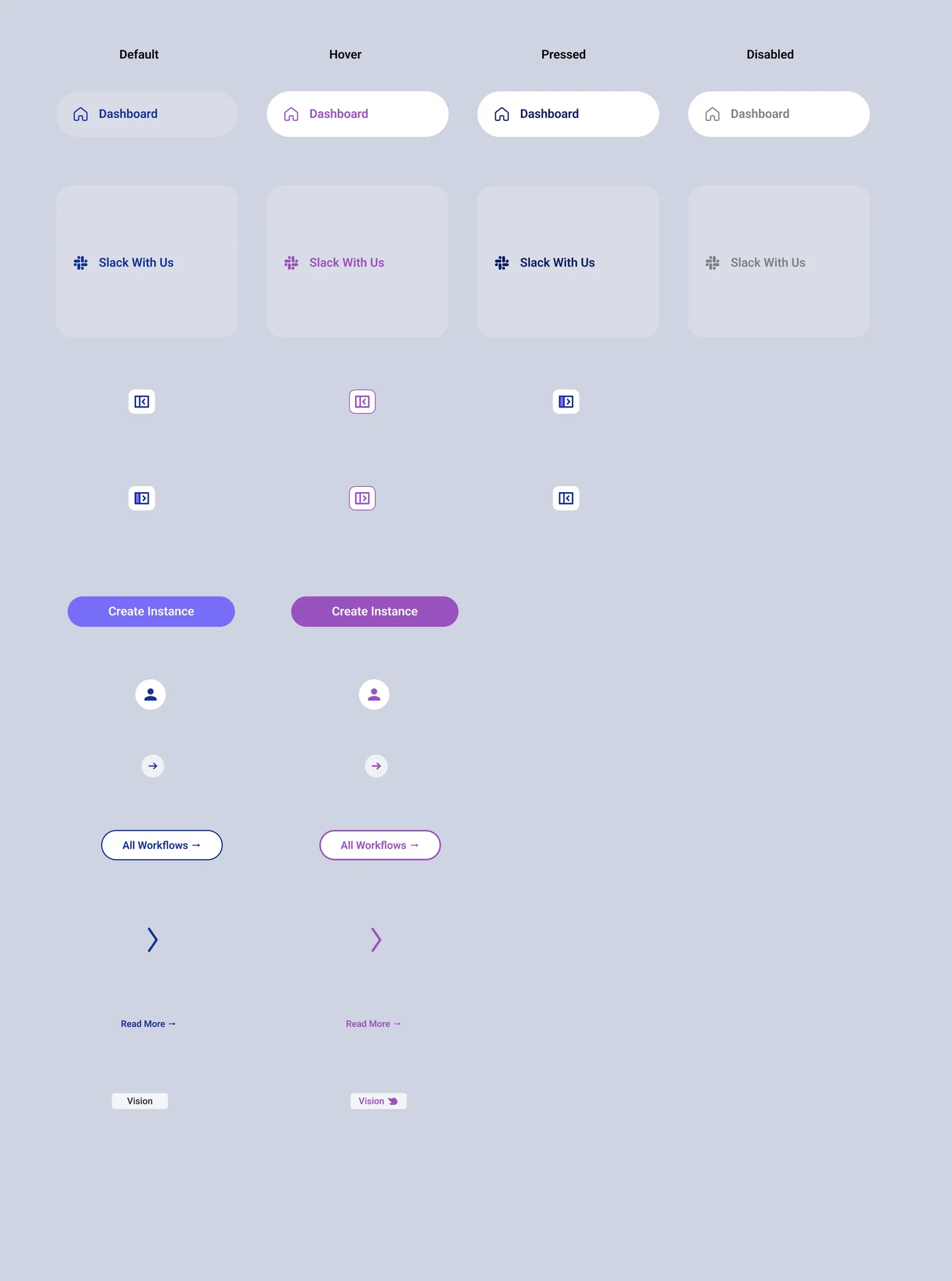
Every control has four states
Default, hover, pressed and disabled for navigation, buttons, icon buttons, links and chips, built on named tokens so the console and the website stay one family.
Interaction states
Core tokens
- AD Blue Primary
#172F94 - AD Dark Blue Primary
#030933 - AD Violet (actions)
#786CF8 - AD Text
#101720 - AD Medium Gray
#9FA2AE - AD Light Gray
#EDEDED - App background
#F3F4F7
Type
Poppins for headings and numbers, Roboto for everything you read
Key decisions
- 01The dashboard changes with the user
New users get a banner and a checklist; returning users get the space back.
- 02Numbers always lead somewhere
Every stat card has a shortcut to the page behind it.
- 03Workflows are products
Each one has a video, documentation and reviews, like an app store page.
- 04Empty is a state, not an error
Billing and reviews say what is missing and what comes next.
- 05One main action
“Create Instance” is the only filled button in the top bar.
- 06One kit for site and console
The same tokens, type and violet actions as the marketing site.
Outcome
From a sales form to a product people run on their own
Self-serve sign-up, a dashboard that grows with the user, a workflow hub with real product pages, readable billing and one UI kit shared with the website.
See the brand and website projectAll names, numbers and texts in the screens are design placeholders.